Services
Deposits, not no-shows: a booking playbook for service pros
Stylists, technicians, tutors, consultants and every other service pro: how to fill your calendar, protect your time with deposits, and get paid for virtual and doorstep work.
Selling
A practical guide for anyone who sells on WhatsApp, Instagram or Facebook: turn posts into a storefront buyers can pay from, cut the DM back-and-forth, and choose exactly where you sell.
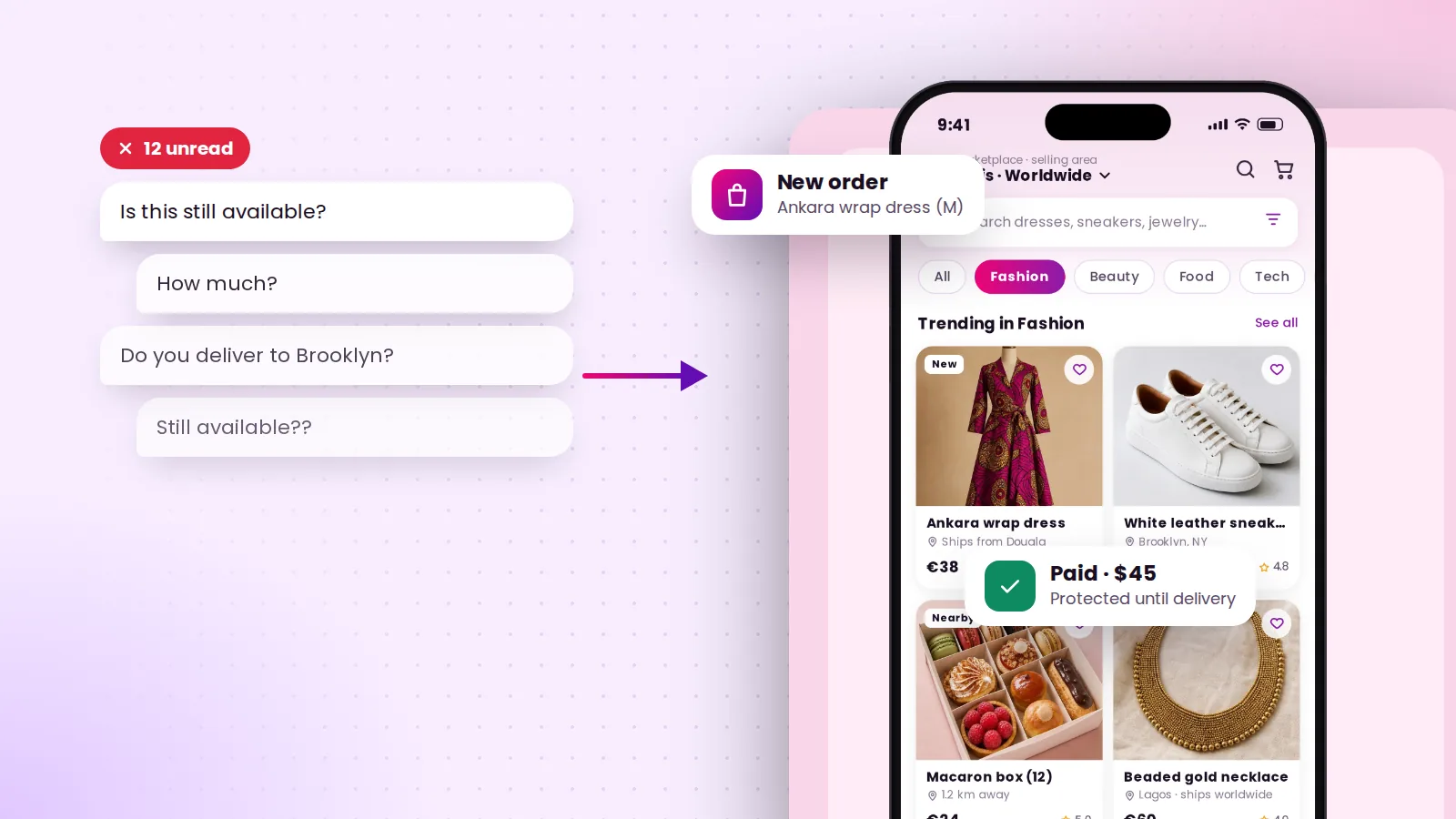
If you sell online, you know the message. You post a photo, and within minutes: “Is this still available?” Then: “How much?” “Do you deliver?” “Can I pay tomorrow?” By the time the buyer is ready, you’ve had the same conversation ten times, and sometimes the item has already sold to someone else.
The DM isn’t really the problem. The real problem is that your post can’t take a payment. This guide shows how to fix that in an afternoon.
A post says “look at this.” A listing says “here it is, here’s the price, buy it now.” On SplashArk, every product you film becomes a listing with:
Most DMs ask for things that could be on the listing. Put them there:
When the listing answers the questions, your inbox fills with orders instead.
A food seller and a fashion designer shouldn’t reach the same people. SplashArk’s geo-fencing lets you draw your own market:
Buyers also see how far away each seller is, which is a strong advantage when you’re the closest option.
If you teach, design or create, you probably have something you can sell more than once: a course, an e-book, templates, music, a pattern. Digital products are delivered instantly after payment, so they earn while you sleep.
Keep posting on your status, in your groups and on Instagram. Just change the call to action. Instead of “DM to order”, share your SplashArk link: “Order here, pay by mobile money, protected until delivery.”
You keep your audience. You lose the back-and-forth.
Many buyers hesitate because they’ve been burned before: they paid first and nothing arrived. On SplashArk, payments are held in a secure wallet and released to you after delivery and a short hold window. Disputes are reviewed by real people before money moves. And sellers with a good track record get shorter holds.
That safety net is why a stranger across the city is willing to pay you today instead of “next week.”
New arrivals, restocks or end-of-month sales work well live. Show items on camera and viewers can buy the one you’re holding without leaving the stream.
Your checklist for this week
Post it once. Get paid right there.
It’s free to join. All you need is your phone camera.
Services
Stylists, technicians, tutors, consultants and every other service pro: how to fill your calendar, protect your time with deposits, and get paid for virtual and doorstep work.
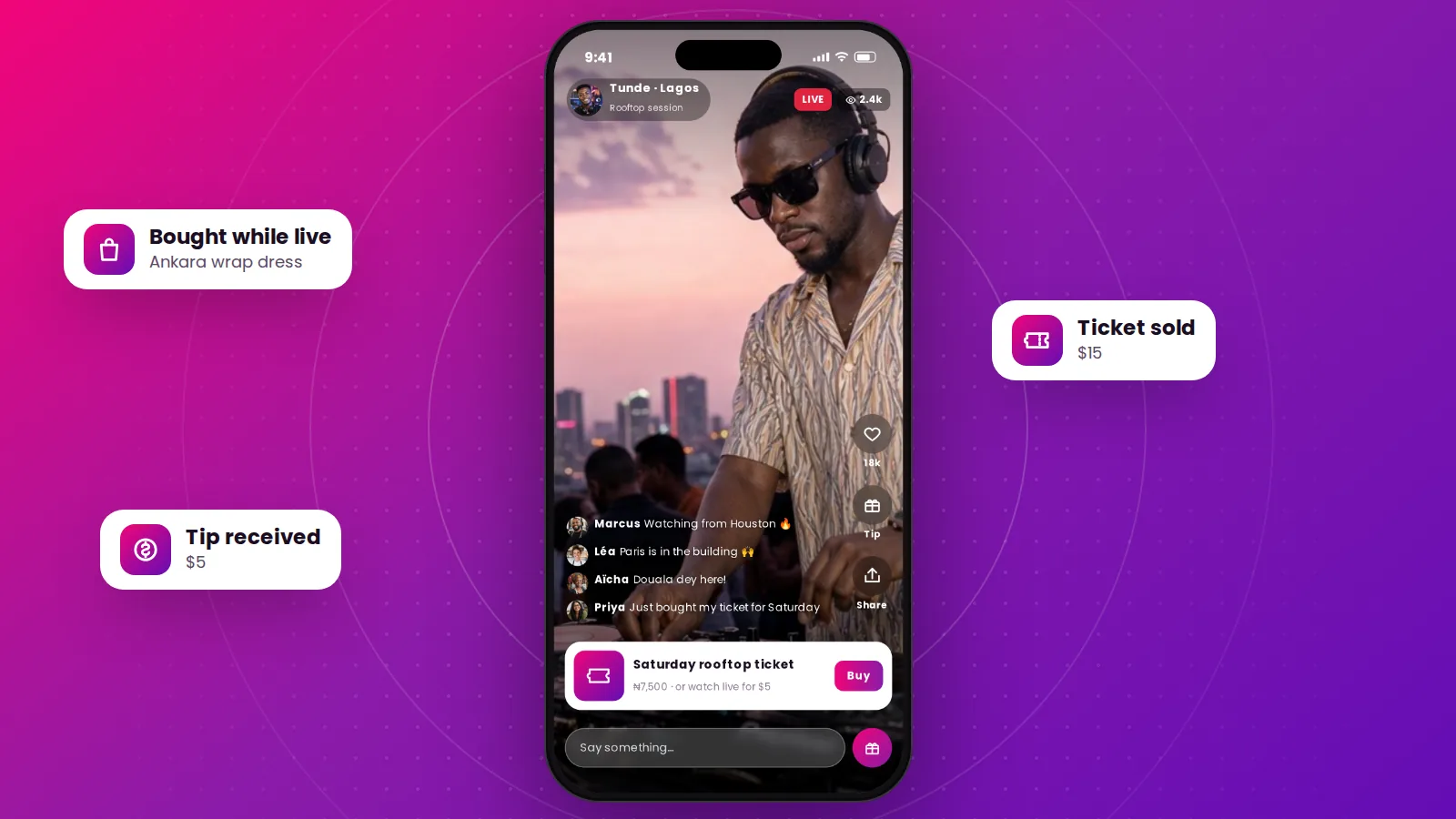
Live & creators
Creators, performers, teachers and sellers: how to turn a live video into a shop window, a ticketed show or a paid class, and keep the money that agents and workarounds used to take.